
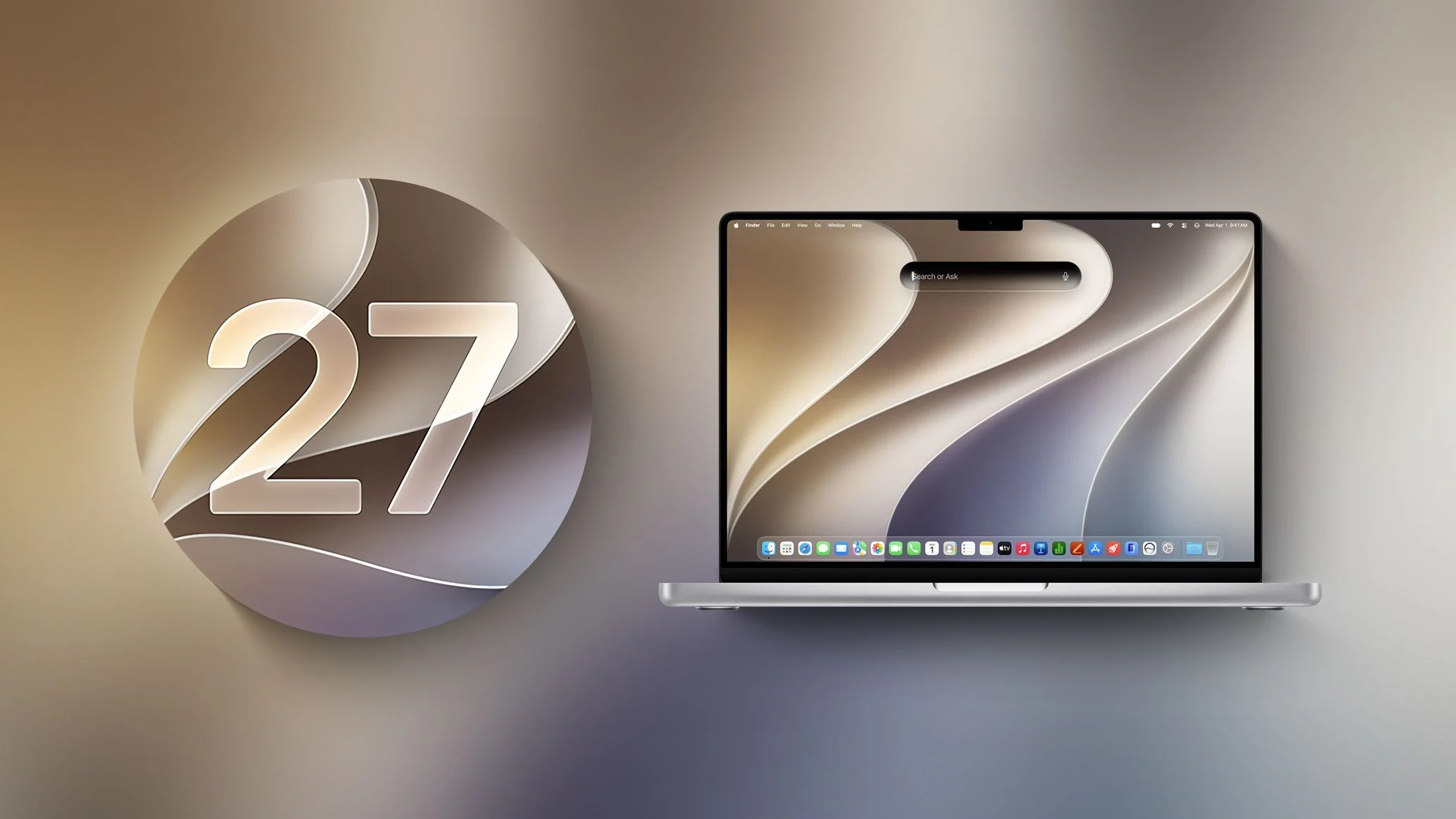
Apple is releasing the latest version of their California-themed operating system for Macs, macOS 27 Golden Gate on September 14th. As always, there’s a long list of new features to explore, but this year the update carries some extra weight: it’s the first version of macOS built exclusively for Apple silicon. Whether it’s the right time for you to upgrade depends on several factors, and a few users may want to hold off.
Can my Mac take this upgrade?
This is the big one this year. Apple has fully closed the door on Intel processors — macOS 27 Golden Gate is Apple silicon only. Here are the Macs that will support it:
- MacBook Air: 2020 models with Apple silicon (M1) or later.
- MacBook Pro: 2020 models with Apple silicon (M1) or later.
- iMac: 2021 models with Apple silicon or later.
- Mac mini: 2020 models with Apple silicon or later.
- Mac Studio: 2022 models and later.
- Mac Pro: 2023 models with Apple silicon.
- MacBook Neo: the new 2026 model, supported out of the box.
If your Mac still has an Intel chip inside — including the 16-inch MacBook Pro (2019), the four-Thunderbolt-3-port 13-inch MacBook Pro (2020), the 27-inch iMac (2020), or the 2019 Mac Pro — it will not be eligible for this upgrade. Those Macs will remain on macOS Tahoe (26), which Apple has said will keep receiving security updates for a while yet, but they won’t see Golden Gate’s new features. Consider it a comfortable, well-supported retirement home rather than a sudden eviction.
As of this writing, macOS Tahoe 26.6.2 is the latest version of the previous Mac OS.
Apple has their own page, macOS 27 Golden Gate, with all the highlights.
A Note on Apple Intelligence Tiers
Not every supported Mac gets the full Golden Gate experience. All Apple silicon Macs get the core Apple Intelligence features, but the newest Siri AI voice, upgraded on-device dictation, and some of the more advanced generative features require an M3 chip or later with at least 12GB of unified memory. If you’re on an M1 or M2 Mac with 8GB of memory, you’ll still get the update and most of what’s new, just not every AI capability at its best — think of it as getting into the concert, just not close enough to see the drummer. Worth knowing before you get your hopes up about the flashiest features.
Reasons to upgrade to macOS 27 Golden Gate
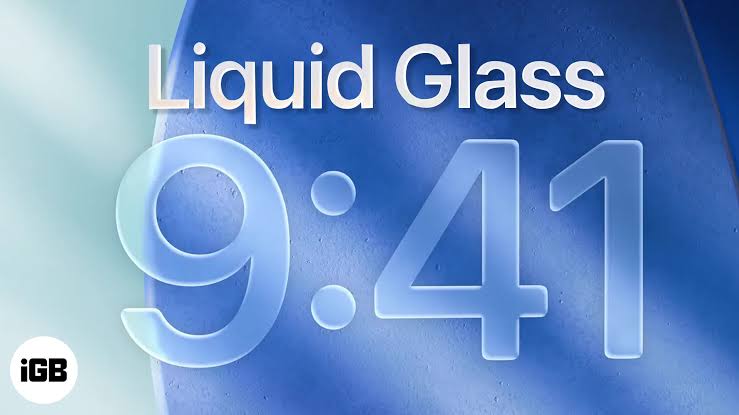
Golden Gate isn’t a ground-up redesign the way Tahoe was last year. Apple has described it more as a refinement release — smoothing out the rough edges of Liquid Glass, and building out a genuinely new Siri, called Siri AI, that behaves more like a true conversational assistant.
Design
Liquid Glass, tuned for readability
- Liquid Glass Slider: After a full year of “why can’t I read my menu bar,” Golden Gate adds a control to dial the effect from maximum translucency down to a more opaque, tinted look. Apple giveth glass, and Apple taketh away some of the glass. Balance.
- Better Depth Cues: Darker edges, brighter highlights, and refined window shadows make it easier to tell which window is active at a glance — genuinely useful for those of us who’ve typed a whole paragraph into the wrong window more times than we’d like to admit.
- Consistent Window Shapes: Window and button shapes are now consistent across apps again, and the traffic-light window controls get a refreshed glass treatment. Reader, they still just close, minimize, and zoom. Some things don’t need reinventing.
Siri AI & Apple Intelligence
- Siri AI: A rebuilt, conversational Siri you reach through Spotlight. It can hold a back-and-forth conversation, answer follow-up questions, understand what’s on your screen, and take actions across apps using your own Mail, Messages, and files — while aiming to keep that data private. After more than a decade of “I’m sorry, I didn’t quite get that,” it’s about time. Note: the most advanced Siri AI features roll out gradually over the year and require Apple silicon, with the fullest experience reserved for M3-and-later Macs.
- Visual Intelligence on Mac: Press Command+Shift+Space to ask Siri AI about whatever is on your screen — identify something, pull out a date or address, or ask a follow-up question — without taking a screenshot first.
- Smarter Spotlight: A rebuilt indexing engine makes search across Mail, Photos, files, and apps noticeably faster and more accurate.
- Systemwide Writing Tools: Expanded proofreading, smarter suggestions, and improved dictation throughout the system.
App & Productivity Upgrades
- Safari: Automatic tab grouping, “Notify Me” alerts when a webpage changes, and AI-generated browser extensions.
- Messages & Mail: Personalized Smart Reply suggestions, along with better search and syncing.
- Photos: AI-assisted editing tools built on the Apple Intelligence foundation.
- Passwords: When a saved password may be compromised, macOS can visit the site, generate a stronger one, and update it — in a single action. Yes, it’s doing the thing you’ve been meaning to do since that one data breach two years ago.
- Home App: Combines footage from multiple cameras into one continuous timeline, handy for tracking a delivery across several angles, or determining, once and for all, who really let the dog out.
- Shortcuts: Can now build entire workflows just from a plain-language description, which is either delightful or a little unsettling, depending on how you feel about typing “do my taxes” and seeing what happens.
- Expanded Child Safety Features: New tools to help parents create safer digital experiences for kids.
Here’s a good rundown from MacRumors covering everything Apple has previewed so far.
One big reason to upgrade
Just like with Tahoe, all new Macs going forward will ship with Golden Gate, and Apple’s security and stability attention will increasingly shift toward it. If your Mac is on the supported list, staying current keeps you on the most secure, best-supported version of the software.
One reason to NOT upgrade
If you rely on Intel-only software, or on a mission-critical app that hasn’t been confirmed compatible with Golden Gate yet, it’s worth waiting for that developer to give the all-clear. Because this release also drops Intel hardware support entirely, reverting isn’t as simple as rolling back a point release — for Intel Mac owners, there’s no Golden Gate to revert from in the first place, and for Apple silicon owners, undoing an upgrade is still a non-trivial, time-consuming process, and not the fun kind of non-trivial.
Also, unless there’s a specific new feature you’re after, your current Mac operating system will likely continue working just fine, with security updates for at least another couple of years. Nobody’s making you chase the shiny new thing the week it lands.
An Ounce of Prevention…
If you’re ready to dive in, start with a solid backup of your existing data using Time Machine or other backup software. Trust me on this one — a backup takes a few minutes now, or it becomes a very long phone call to us later. RoaringApps maintains a listing of which apps are confirmed compatible. The installer is large, so make sure you have plenty of free drive space before you begin; this is not the week to also be hoarding four years of Photo Booth selfies.
Go to Apple Menu : System Settings : General : Software Update to check whether the upgrade is available for your Mac.
Want some help with that?
Contact Us if you’d like a hand making your move to Golden Gate as smooth and safe as possible — glass slider, Siri AI, and all. We’ll get it done!