
Apple’s Latest iOS; Shinier, Smarter, and (Mostly) Less Glassy!
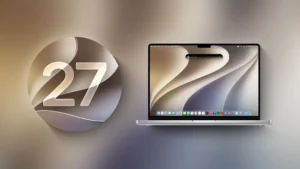
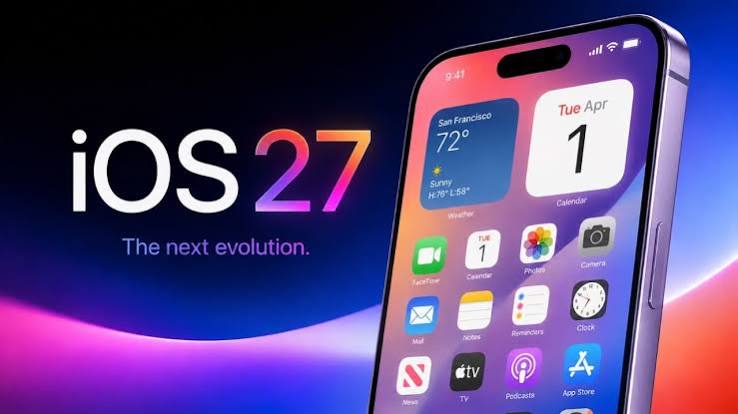
Apple is releasing the latest version of their iPhone software September 14th, named iOS 27. It arrives with a healthy stack of new features, a couple of which will only show up on their very newest phones — the usual “welcome to the future, unless you bought your iPhone more than two years ago” arrangement. But most of what’s new is available across the board, and it’s worth a look.
The headline act this year is Siri AI, Apple’s long-promised, actually-conversational reboot of Siri. There’s also a refined Liquid Glass design (with a dial to tone it down, for those of us who found last year’s glassiness a bit much), a smarter Camera and Photos app, meaningful CarPlay upgrades, and a serious round of new child safety tools for families. In short: evolution, not revolution — but a genuinely useful one.
These are the phones that Apple says can run iOS 27:
- All iPhone 18, 17, 16, 15, 14, 13, 12, and 11 models
- iPhone SE (2nd and 3rd gen)
So if your iPhone can run iOS 26, it can run iOS 27 too — no phone left behind this year. That said, on-device Siri AI capabilities require an iPhone 15 Pro or later, and Apple’s fanciest new custom Siri voices are reserved for the iPhone 17 Pro, iPhone Air, or newer. If you’re on an older model, you’ll still get the update and most of the good stuff, just without a Siri that sounds quite as much like it read a novel about elocution. Here’s Apple’s own writeup: Apple Intelligence.
What’s new in iOS 27?
Siri AI & Apple Intelligence
Siri, but she’s been to therapy
- Siri AI: A rebuilt, genuinely conversational Siri that understands personal context, sees what’s on your screen, and can complete multi-step tasks across apps — like pulling a hotel confirmation number out of an old email instead of making you dig for it yourself. It can hold a real back-and-forth conversation, including follow-up questions, which is frankly overdue.
- Dedicated Siri App: Conversations now sync across your Apple devices via iCloud, so you can start a chat on your iPhone and pick it back up on your Mac later, assuming you remember what you were asking about.
- Call Context: While you’re on a call, Siri AI can surface relevant info from your other apps — like pulling up a flight confirmation code while you’re on hold with the airline.
- Liquid Glass Slider: After a full year of “why can’t I read my icons,” Apple’s added a control to tone the glassy transparency effect down to something more legible. Progress.
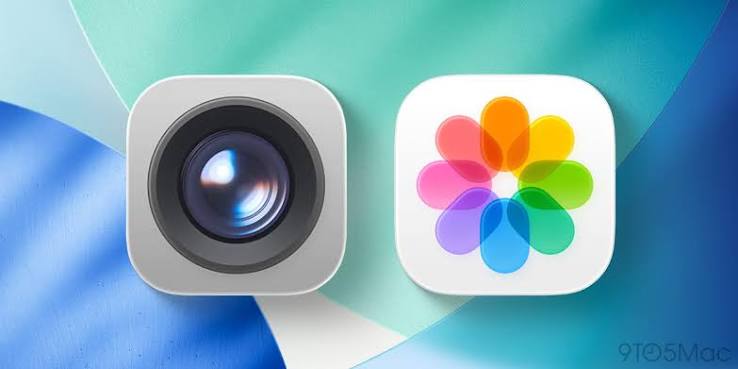
Camera & Photos
Camera settings, all in one place at last
- Streamlined Camera Settings: All your camera options are now visible at once, instead of hidden behind menus within menus within menus.
- Faster Launch, Less Power Drain: The Camera app opens quicker and sips less battery in Low Power Mode.
- Smarter Photos App: Faster text recognition in photos and documents, quicker loading of new captures, the option to save a single frame from a video as a photo, and — for the multi-pet households out there — the ability to choose a specific pet for Photo Shuffle to feature. Your cat’s ego thanks you.
- Dual Camera in FaceTime: Record your front and rear cameras at the same time, for when you need to document both your reaction and whatever caused it.
CarPlay & Entertainment
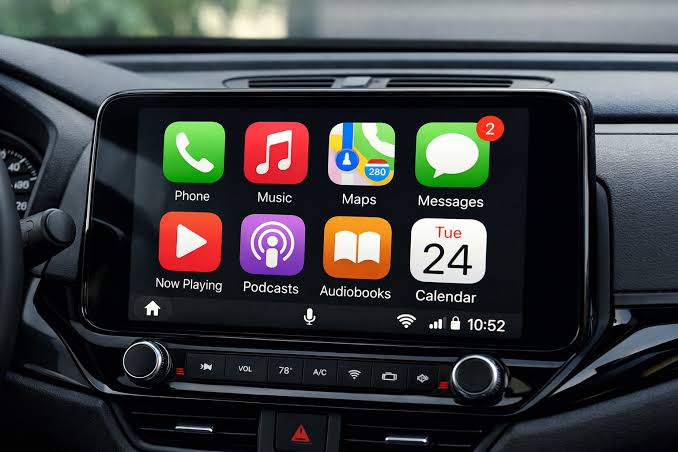
- Siri AI in CarPlay: The new conversational Siri comes to your dashboard too, with a dedicated app and a glowing glass orb to summon it.
- Video Apps in CarPlay: Supported apps can now stream video to your car’s display — but only while parked, because Apple still, sensibly, doesn’t want you binge-watching while merging onto I-25.
- Audio Mini-Player & Scrubbing: A persistent Now Playing overlay and the ability to actually drag the progress bar, a feature drivers have been quietly begging for since roughly the invention of the car radio.
- Apple Music: Improved streaming reliability and refreshed album pages.
Family & Child Safety
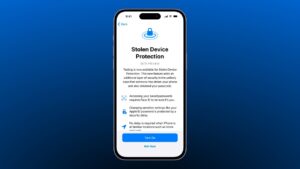
- Child Accounts: Parents can tailor which apps, websites, and App Store content are available based on a child’s age, with approval required before installing new apps or visiting new websites.
- Expanded Communication Safety: Already blurring nudity by default for users under 18 in Messages and FaceTime, this now also steps in before children see violent or graphic content in shared images and videos.
- Time Allowances & a Redesigned Screen Time Dashboard: Set limits by app category, build schedules around school hours, and see daily usage at a glance — with a one-tap pause button for when dinner is getting cold and nobody’s listening.
Everyday Improvements
- Under-the-Hood Speed: A smarter CPU scheduler, smoother Home Screen paging, and quicker NFC reading.
- Choose Your Mic Icon: You can now show only the Record Audio button, only Dictation, or neither, in Messages — a small but very welcome fix for anyone who’s ever accidentally sent a voice memo of themselves narrating dinner.
- New Keyboards & Languages: Including new layouts for Slovenian, Estonian, Afrikaans, Xhosa, Zulu, and several others.
- Small, Nice Touches: Calendar now asks whether you still want your alarm when it notices a holiday, and Find My lets you quietly hide your location from one person without tipping them off — no judgment, we all have that one friend.
Here’s a good rundown from MacRumors covering everything Apple has previewed so far.
Steps to upgrading to iOS 27
As always, before any major upgrade, back up your iPhone first. Trust me on this one — it takes five minutes now, or several stressful hours later. You can back up either to your computer or to iCloud. Check under Settings:(Your Name):iCloud:iCloud Backup and choose “Backup Now.” Or connect your iPhone to your computer and let it back up there instead.
How to Download and Install iOS 27
On your iPhone, go to Settings:General:Software Update. Once iOS 27 is officially released, you’ll see the option to upgrade appear there.
Where can I learn more:
Apple has their own page outlining, in exhaustive detail, everything new in this upgrade.
Apple also has a press release page that hits the highlights, if you’d rather skip the fine print.
What if I’m unsure and want some help to do this upgrade?
Excellent! Contact Us when you’re ready and we’ll make sure to take care of you — Siri AI, glassy sliders, and all.